Build a Practical AI Toolkit Without Building a Security Nightmare
The hard part of building a useful AI setup is not finding one application with a very long feature list. It is deciding where each kind of work should happen.
A model generates an answer. A search service discovers sources. A document converter turns files into usable text. A knowledge system preserves decisions. A secrets manager controls credentials. An execution service runs commands. Those are different responsibilities, and combining them carelessly creates a system that is difficult to understand and harder to trust.
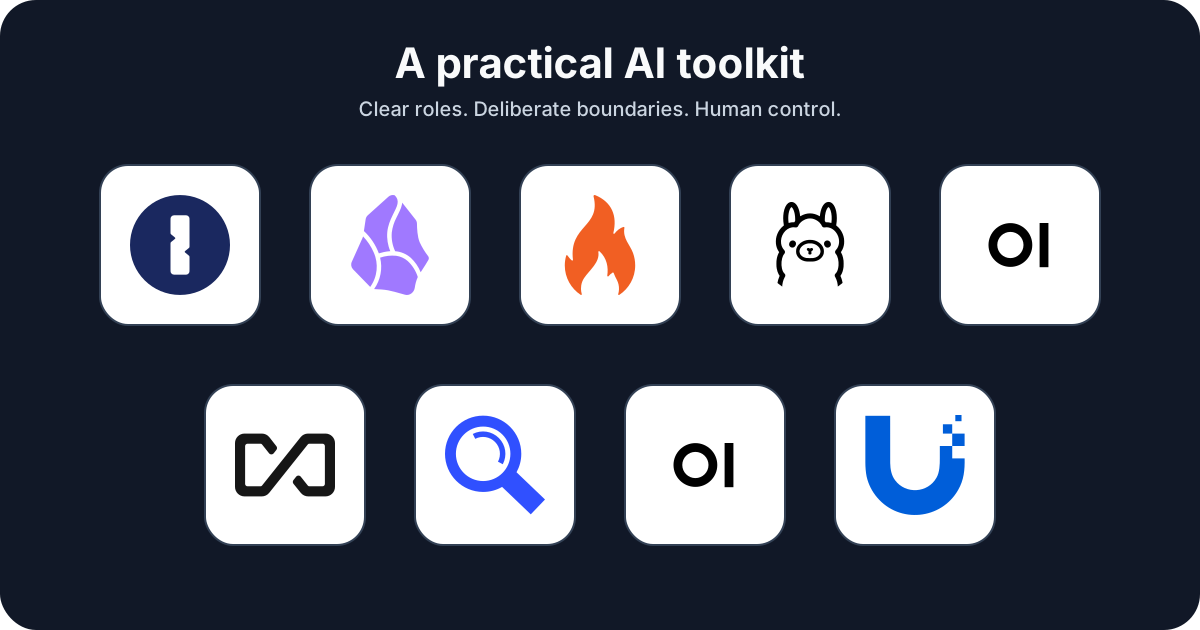
This guide maps nine tools I recommend because each can own a clear part of that workflow.
The stack at a glance
Section titled “The stack at a glance”| Need | Tool | Core role |
|---|---|---|
| Protect credentials | 1Password | Store and inject secrets without pasting them into prompts |
| Preserve durable knowledge | Obsidian and Obsidian Skills | Keep human-readable Markdown that people and agents can maintain |
| Read office documents | AnyDoc | Convert common document formats into Markdown |
| Run models locally | Ollama | Download and serve models on hardware you control |
| Provide a shared chat interface | Open WebUI | Connect people to local and hosted models through a browser |
| Build document-aware workspaces | AnythingLLM | Combine models, documents, retrieval, and agents |
| Discover public web sources | SearXNG | Aggregate results from configured search services |
| Execute commands | Open Terminal | Give trusted agents a deliberate terminal and file boundary |
| Inspect UniFi infrastructure | UniFi MCP | Expose UniFi operations as structured agent tools |
The useful pattern is not “install everything.” It is “add the smallest component that solves the next real problem.”
If you are starting from an empty vault, follow Set Up an Obsidian Vault for People and AI Agents for our PARA structure and file, REST API, and MCP integration ladder.
Already have a vault? Close the Loop Between Your Workday and an Agent-Ready Vault turns that setup into a daily capture, ingest and verification routine for meeting notes, investigations and runbooks.
Start with boundaries, not brands
Section titled “Start with boundaries, not brands”Before installing a tool, answer four questions:
- What data enters it? Prompts, documents, credentials, network inventory, or source code all carry different risks.
- Where does processing happen? On a laptop, a home server, a hosted provider, or several of those at once?
- What authority does it receive? Read-only search is not the same as shell access or permission to change a firewall.
- What becomes durable? Chat history, logs, vector indexes, generated files, and shell output may outlive the original task.
This is why “local” and “private” are not synonyms. Ollama may run a model locally while a connected web-search tool sends the query elsewhere. Open WebUI may be self-hosted while using a cloud model. Open Terminal may run in a container while a Docker socket mount gives it control of the host.
A sensible adoption order
Section titled “A sensible adoption order”For most people, I would build this stack in layers.
1. Durable notes and managed secrets
Section titled “1. Durable notes and managed secrets”Start with Obsidian for knowledge and 1Password for credentials. This creates a clean division: Markdown can explain what a workflow needs, while secret values remain in a system designed to protect them.
2. A model runtime and interface
Section titled “2. A model runtime and interface”Add Ollama when local inference is useful. Put Open WebUI in front of it when more than one person, device, or provider needs a consistent browser interface. Choose AnythingLLM when document workspaces and retrieval are the center of the experience.
3. Inputs and discovery
Section titled “3. Inputs and discovery”Add AnyDoc when agents regularly need to read office files. Add SearXNG when web discovery should go through a configurable metasearch layer. Neither tool verifies truth: converted text still needs review, and search snippets still need their underlying sources opened.
4. Action tools
Section titled “4. Action tools”Open Terminal and UniFi MCP cross an important line: they let an agent do something, not merely read context. Begin read-only where possible. Use narrowly scoped identities, explicit approvals, logs, backups, and an independent recovery path.
The design principle that matters
Section titled “The design principle that matters”An agent should receive the minimum context and authority required for the current job.
That means:
- do not give the model raw credentials when runtime injection will work;
- do not mount an entire filesystem when one workspace is enough;
- do not enable write tools when the task is investigation;
- do not send a private document to a hosted model by accident; and
- do not confuse a search result with an authoritative source.
The best AI toolkit is not the one with the most tools. It is the one whose boundaries you can explain on a whiteboard and recover when something fails.